Does Trip.com Have Booking Fee? Charges & How to Avoid


Trip.com is a leading choice for online bookings, yet many travelers remain unclear about the service fees applied at checkout. To help you plan more effectively, we will analyze the structure of Trip.com's booking fees and provide practical strategies for reducing your total travel expenditure.
to Bali
to Singapore
to Shanghai
to Tokyo
to Seoul
See all flights


Does Trip.com Have Booking Fee?
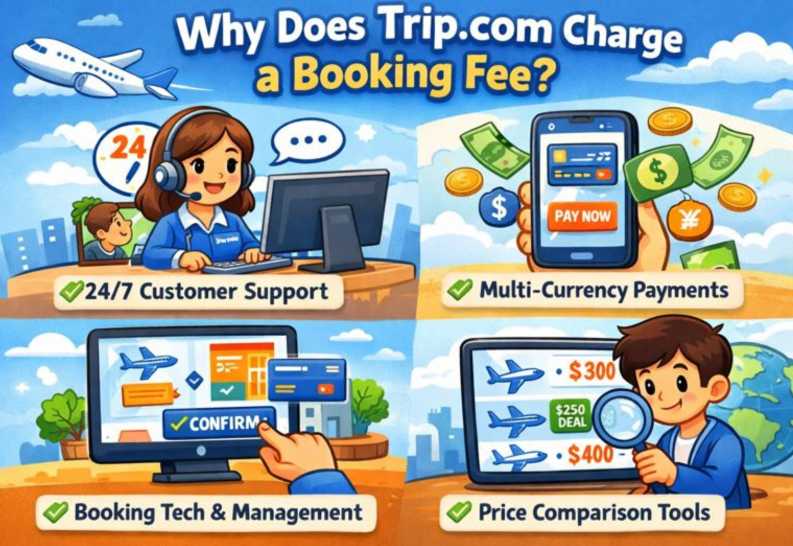
Yes, Trip.com does sometimes charge a booking or service fee, which is a platform-specific charge added to select flight, hotel, or train reservations. These fees cover payment processing, customer support, and booking management. They are not applied to all bookings and are displayed in the price breakdown during checkout.
- When they apply: Fees can vary by booking type.
- Transparency: The fee is typically listed as a separate line item before payment, so it is not hidden, though it is in addition to supplier costs and taxes.
- Flight Flexibility: While special "Air Flexibility" services offer free changes, the service fee for that option itself is non-refundable.
How Much Is the Trip.com Booking Fee?
Calculating the Trip.com Booking Fee
Trip.com does not utilize a flat-rate fee structure. Instead, the service fee is dynamic and fluctuates based on several factors, including your destination, the type of service, and the total transaction value. Generally, the fee is determined by:
- Category of Travel: Fees vary between flights, hotels, rail, and tours.
- Total Booking Value: More expensive reservations typically incur a higher service charge.
- Geographic Variables: Pricing may change based on whether the route is domestic or international, as well as the currency used.
Other Charges to Watch Out for on Trip.com
A blue iPhone sitting on top of a wooden table Via Unsplash (by appshunter.io)
Beyond the standard booking fee, keep these potential expenses in mind to ensure your travel budget stays on track:
- Payment Processing Fees: While Trip.com accepts various payment methods, your bank or credit card provider may apply an international transaction fee (typically 2%–3.5%) for payments made on global platforms. Note that this is a bank charge, not a Trip.com fee.
- Amendment & Cancellation Charges: If your plans change, you may incur fees from both the service provider (airline or hotel) and a Trip.com administrative handling fee. Always check the "Cancellation Policy" before finalizing your booking.
- Ancillary Service Fees: Optional extras—such as checked baggage, specific seat selection, or travel insurance—are often billed separately and can significantly adjust your final total.
See all attractions
 2592 booked






How to Reduce or Avoid Trip.com Booking Fees
To ensure you’re getting the most value for your money, consider these expert booking tips:
- Perform a Direct Comparison: Before confirming, cross-check the rates on the official airline or hotel websites. In some cases, booking directly with the provider allows you to bypass third-party platform fees altogether.
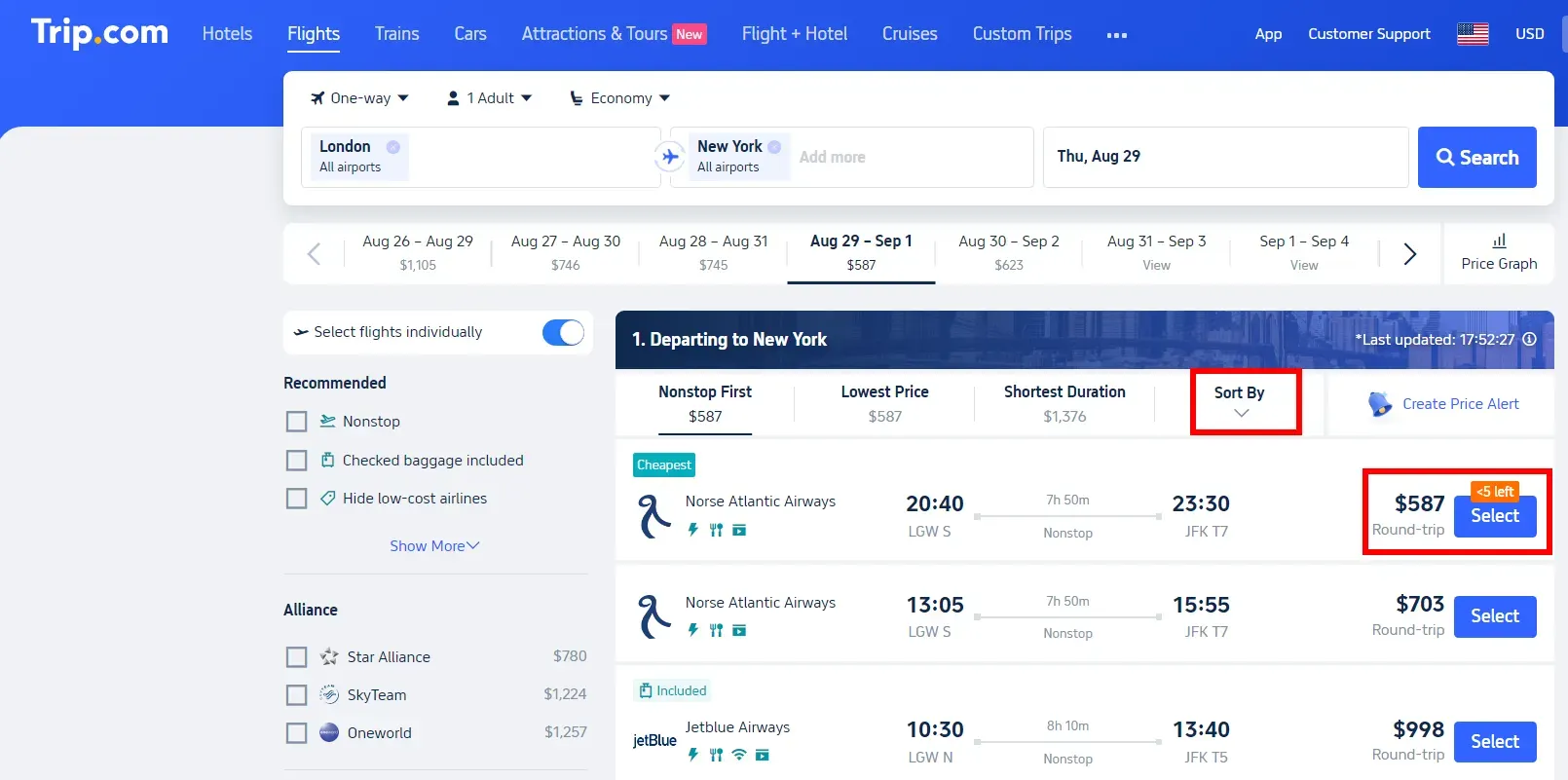
- Verify the Total at Checkout: Trip.com provides a transparent price breakdown before you commit. Always review the final "Total Amount" to see exactly how much is being charged for service fees versus the base fare.
- Leverage Travel-Optimized Cards: Pay with a credit card that offers no international transaction fees or high-percentage travel rewards. This effectively offsets any administrative costs added by the platform.
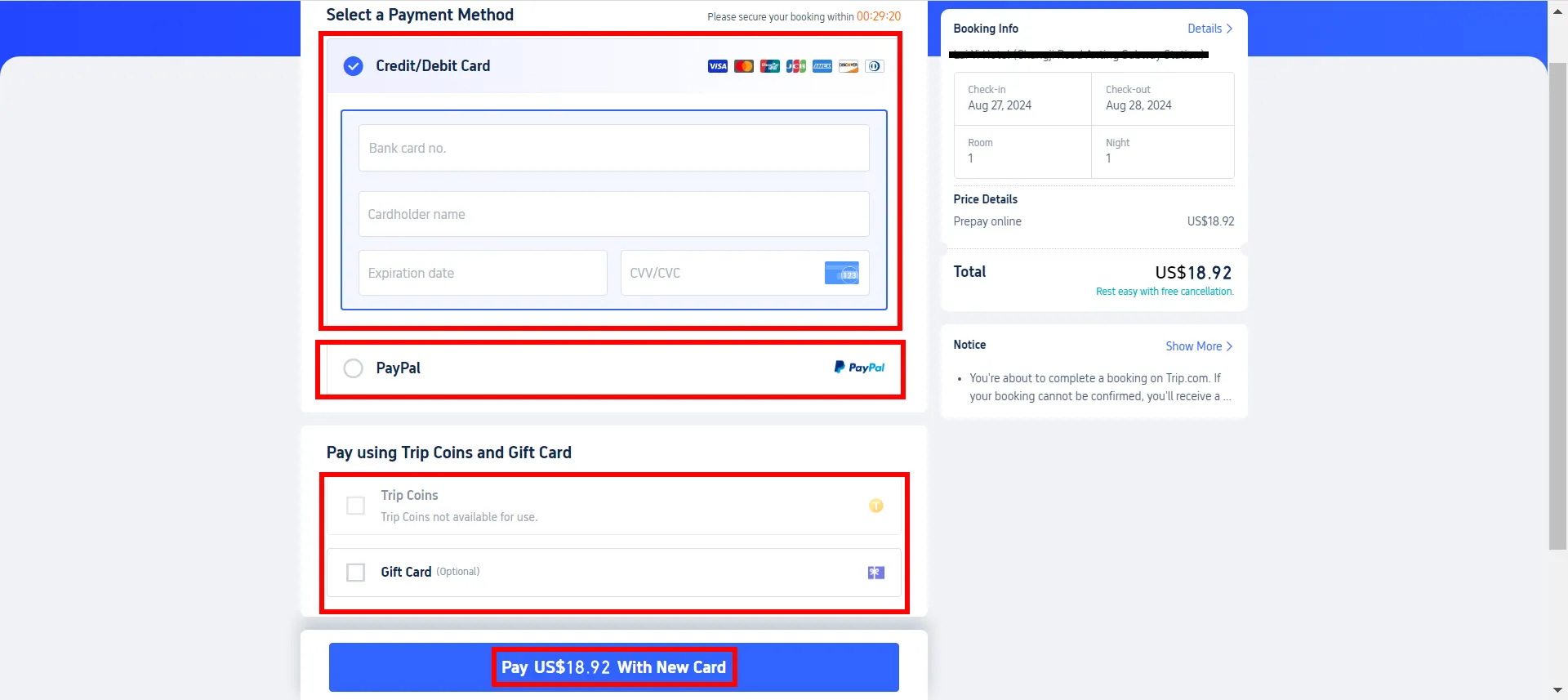
- Prioritize Flexible Policies: Whenever possible, select "Free Cancellation" or "Low-Cost Change" options. This protects you from "double penalties"—where you’d otherwise pay both the supplier's fee and Trip.com's administrative handling charge.
Top Global Hotels Recommendation
Top Global Hotels
Tokyo
Bali
Bangkok
See All Hotels










FAQs about Trip.com Booking Fee
-
What is the Trip.com booking fee?
-
Does Trip.com charge a service fee on all bookings?
-
Is the Trip.com booking fee refundable?
-
Is Trip.com cheaper than booking direct?
-
Is Trip.com safe and reliable despite the booking fee?
Disclaimer: This article has been provided by an individual contributor or third party platform. If there is any discrepancy regarding the copyright, please contact us directly and we will delete the content immediately.
Trending Searches
-
Top Flight Routes
-
Latest Flight Deals
-
eSIM/SIM card
-
Trip.com FAQs
- Trip.com Reviews
- Trip.com Cancellation Policy
- Trip.com Payment Methods
- Trip.com Phone Number
- Trip.com Check In
- Trip.com Ticket Issued Status
- Trip.com Change Passport
- Trip.com Customer Support
- Trip.com Membership
- Trip.com VIP Lounge Access
- Trip.com Baggage Allowance
- Trip.com Flight Ticket
- Trip.com Hotel Refund
- Trip.com Flight Change
- Trip.com Seat Selection
- Trip.com E-Receipt
- Trip.com E-Ticket
- Trip.com Flight Cancellation
- Trip Coins
- Hunan Jiangxi Fujian Region Travel Guide