eSIM Philippines: Best eSIM with Unlimited Data Plans

Planning a vacation to the Philippines but worried about internet connectivity? In recent years, eSIMs have become the go-to choice for many travelers! Simply purchase online before you fly, follow a few quick steps to set it up on your device, and you're ready to go—it's fast, easy, and incredibly convenient. Trip.com has prepared this comprehensive eSIM Guide to help you get started and choose the perfect eSIM plan for your trip. Read on to find out more!
Sydney to Manila
Melbourne to Manila
Brisbane to Manila
See all flights


eSIM Philippines Packages with Deals
Philippines eSIM | 5G/4G | Day Billing
- CoveragePhilippines
- DataMultiple Options
- Validity1 to 30 Days
- Pricefrom AU$0.45
- Bookings10k+ bookings

Philippines | 5G eSIM | 24H Billing
- CoveragePhilippines
- Data500MB/day to 59GB/day
- Validity1 to 30 Days
- Pricefrom AU$0.0.53
- Bookings9k+ bookings

Philippines | 5G/4G eSIM | Day Pass
- CoveragePhilippines
- Data0.5-50GB
- Validity1 to 30 Days
- Pricefrom AU$0.51
- Bookings8k+ bookings
Why Choose Trip.com for Your Philippines eSIM?
Affordable and Budget-Friendly Options
Trip.com offers a wide variety of eSIM packages for the Philippines. Whether you are looking to save on travel expenses or need a high-data plan for heavy usage, you can find an option that fits your needs. This makes Trip.com’s eSIM a flexible and economical choice for any traveler heading to the Philippines.
Highly-Rated Network Quality
Based on user reviews, Trip.com’s eSIM products provide stable network connectivity and a smooth user experience across the Philippines. You can travel with confidence knowing you’ll stay connected.

Philippines 5G eSIM | TikTok & ChatGPT Available | Day Pass/Total Data Package | 24-Hour Billing | 1-30 Days | QR Code
4.3/5
543 reviewsEverything went smoothly. The eSIM was installed and registered successfully on both the Globe and Smart 5G networks. I renewed my subscription, and it worked automatically. I'm very happy with the service!
Philippines 4G/5G eSIM | Daily/Total Data Package | 1–30 Days | 24-Hour Billing | QR Code
4.3/5
1152 reviewsSetting up this eSIM was fast and effortless—scanning the QR code connected me immediately upon arrival in the Philippines. The data speed was consistently fast, and the signal stability remained strong and reliable throughout my trip, even while on the move. It made navigation and staying in touch completely hassle-free, and I will definitely choose this service again for future travels.
Philippines | 5G/4G eSIM | Daily/Data Package | 24-hour Billing | 1-30 Days | QR Code
4.4/5
1181 reviewsInstalling the eSim was easy and signal was good in Manila. However, I received spam SMS telling me I have unpaid traffic tickets when I was in Makati area. The signal in Bohol when we did the day tour was quite bad to no signal at all. Thankfully, there was no emergencies when the signal dropped.
24/7 Premium Customer Service
No matter what issues you may encounter, Trip.com’s support team is available around the clock to ensure seamless connectivity and high-quality service throughout your trip. Trip.com provides 24/7 assistance in multiple languages—including English, Japanese, Korean, and Cantonese. Whatever difficulty you face during your travels, Trip.com is here to help!
What's Best for Philippines? eSIM, SIM and WIFI
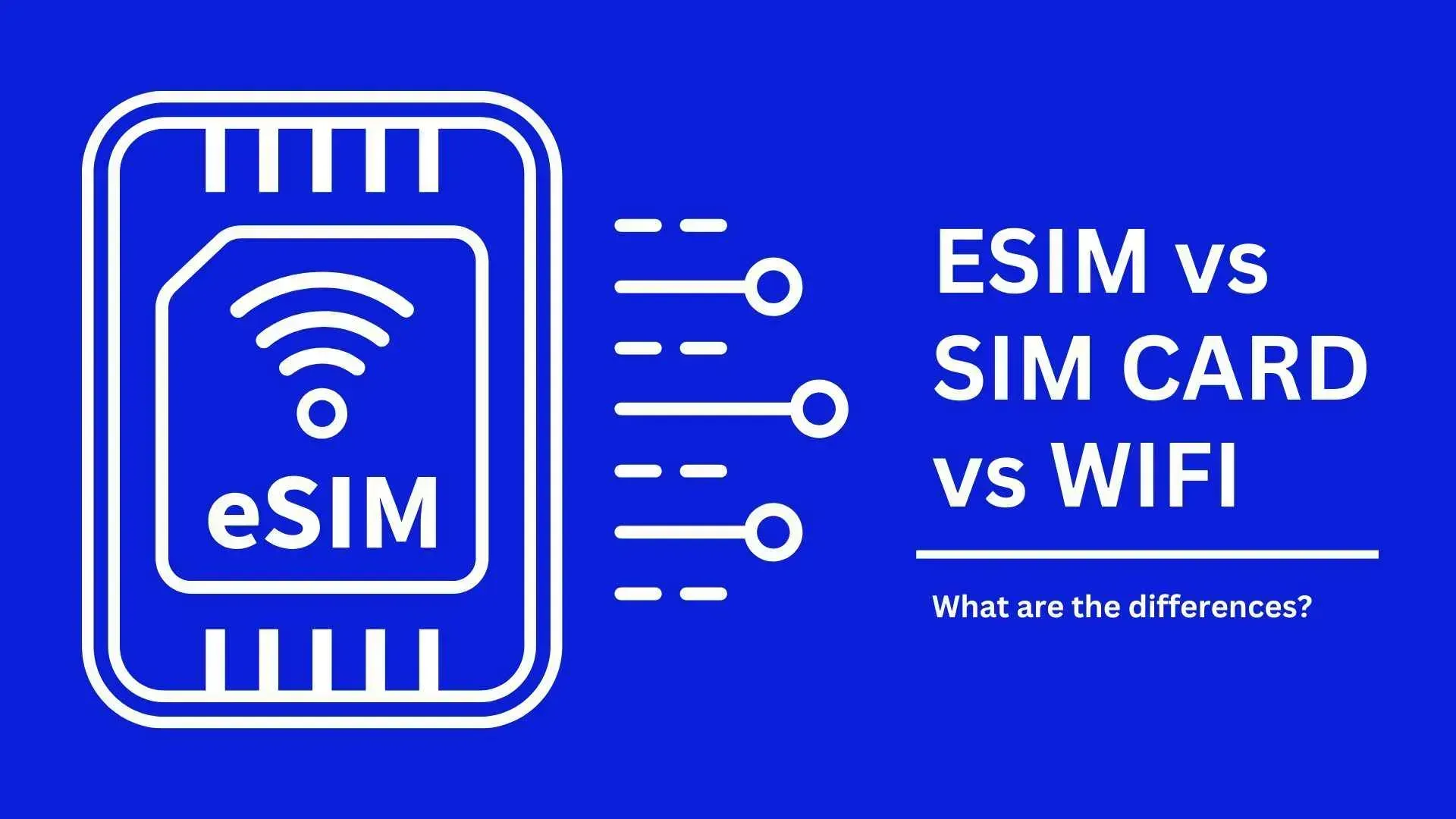
Device Type | How to Use | Ideal For | Pros | Cons |
Scan QR code for instant installation | Solo travelers | Keep your original number; buy and use instantly | Not supported by all phone models | |
SIM Card | Physical chip inserted into SIM slot | Solo travelers | Plug-and-play; compatible with most phones | Requires swapping physical cards |
Wi-Fi Router | Rent in advance and carry with you | Groups | Simple setup; more cost-effective for groups | Must monitor battery; must stay within range of the device |
Philippines eSIM
An eSIM is a virtual chip built directly into your smartphone. Unlike traditional physical SIM cards, an eSIM eliminates the need for a physical card. Simply purchase your Philippines eSIM in advance, and you can activate it the moment you arrive at your destination, saving you the hassle of swapping cards.
Philippines SIM Card
A SIM card acts like an "ID card" for your phone, allowing it to connect to a specific mobile network and providing you with a unique phone number. In other words, without a SIM card, your phone cannot make or receive calls, nor can it access mobile data.
Philippines Wi-Fi Router
Think of this as a portable mini base station that amplifies a signal and shares it with surrounding electronic devices, such as phones, tablets, and laptops. It is ideal for group travel where everyone wants to stay connected together. However, Wi-Fi routers have battery limitations and require recharging during your trip, which can be less convenient than other options.
How to Activate and Use eSIM for Philippines
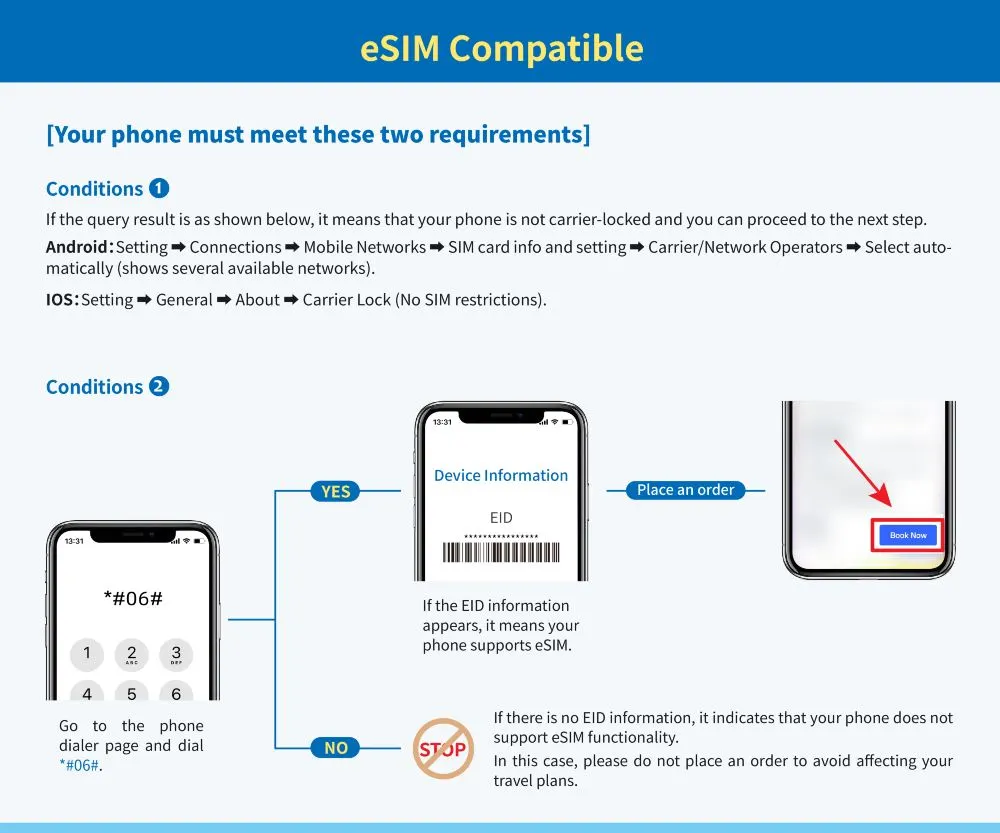
Check If Your Phone Support eSIM
Before you grab that sweet Trip.com eSIM deal for Philippines, let's make sure your phone's ready! If you've got a recent iPhone (XS or newer), most Samsung flagships, or Google Pixels, you're good to go. Not sure? Just go to Settings and look for 'Add eSIM' - if it's there, you're all set!
Quick test: dial #06# on your phone - if you see an EID number, you're good to go! Also, make sure your phone isn't carrier-locked (check with your home provider if unsure).
Steps to Install Philippines eSIM
Once you've bought your eSIM on Trip.com, you'll get an email with your QR code. Here's what worked perfectly for me:
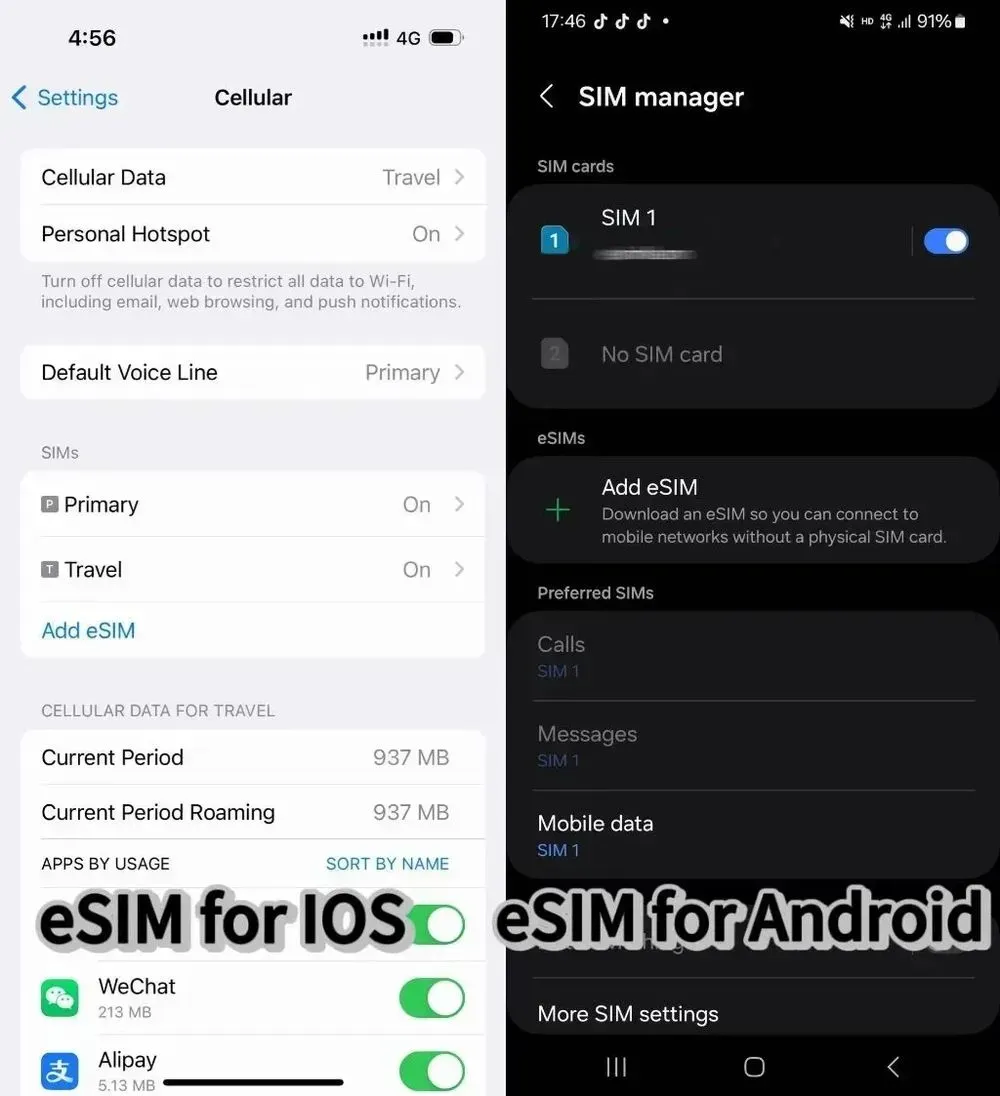
Installation Steps for iPhone:
- Find a stable WiFi connection
- Open Settings > Cellular/Mobile
- Tap "Add Cellular Plan"
- Open your Trip.com eSIM email
- Scan the QR code directly through settings (not your camera!)
- Follow the prompts to complete setup
- Label it something like "Philippines Trip" so it's easy to find
For Android Users:
- Connect to WiFi
- Go to Settings > SIM Card Management
- Add new SIM Card
- Scan your QR code through settings
- Follow the setup prompts
Super Important Tips
- Don't remove the eSIM once installed (you can't reinstall the same QR code!)
- Install before flying but within your plan's start date
- Keep your Trip.com order number handy
- If you're extending your stay, just renew through Trip.com - no need to reinstall!
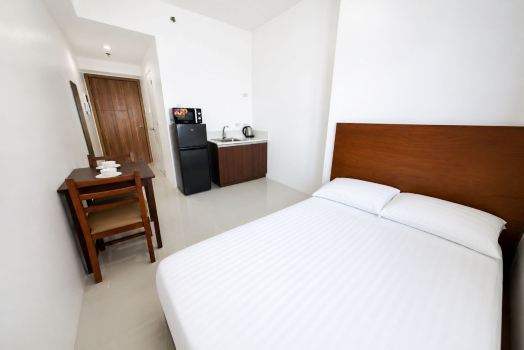
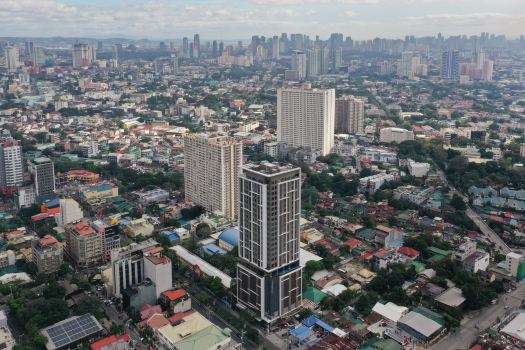
Where to Stay in Philippines?
Manila
Quezon
See All Hotels
 NO.1
NO.1














FAQs about eSIM Philippines
-
What is a Philippines eSIM?
-
Which devices support eSIM in the Philippines?
-
How do I activate a Philippines eSIM?
-
Can I use eSIM and a physical SIM at the same time?
-
Is a Philippines eSIM cheaper than roaming?
Disclaimer: This article has been provided by an individual contributor or third party platform. If there is any discrepancy regarding the copyright, please contact us directly and we will delete the content immediately.
Trending Searches
-
Trending Searches
-
Featured guides
-
Popular airlines and airports
- Trip.com Reviews
- Trip.com Cancellation Policy
- Trip.com Payment Methods
- Trip.com Phone Number
- Trip.com Check In
- Trip.com Ticket Issued Status
- Trip.com Change Passport
- Trip.com Customer Support
- Trip.com Membership
- Trip.com VIP Lounge Access
- Trip.com Baggage Allowance
- Trip.com Flight Ticket
- Trip.com Hotel Refund
- Trip.com Flight Change
- Trip.com Seat Selection
- Trip.com E-Receipt
- Trip.com E-Ticket
- Trip.com Flight Cancellation
- Trip Coins
- Hotels near Vinpearl Cable Car
- Virgin Australia Flights
- Brisbane Airport
- Jetstar Flight
- Japan Airlines
- Sydney Airport
- Melbourne Airport
- Qantas Flights
- Air New Zealand Flights
- Emirates Flights
- Qatar Airways
- Singapore Airlines
- Perth Airport
- Indigo Flights
- Malaysia Airlines
- Hobart Airport
- Thai Airways
- Cathy Pacific
- Fiji Airways
- British Airways
- Darwin Airport
- Adelaide Airport
- United Airlines
- Airnorth
- Avalon Airport
- Tan Son Nhat Airport